How to Delete or Deactivate a Chaturbate Account: Billing and Subscription Checks
Deactivation and permanent deletion are different
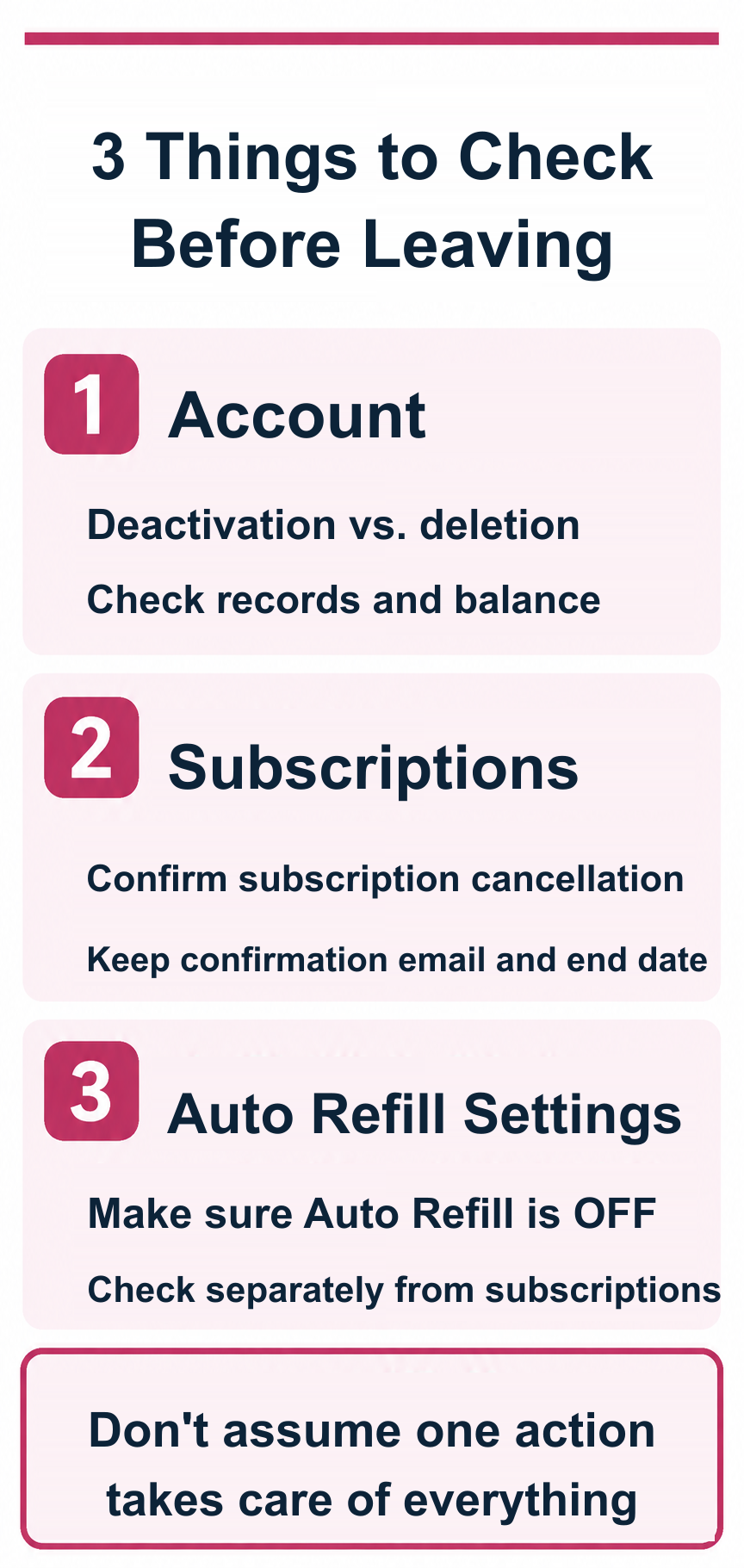
The Chaturbate Support material reviewed for this guide covers deactivating an account, while its Privacy & Cookies Policy separately describes a tool for requesting permanent deletion of information. These should not be treated as the same process.
Does account deletion stop recurring payments?
Do not assume so. Check active memberships, automatic token purchases and billing records separately before closing an account.
Before deactivating or deleting
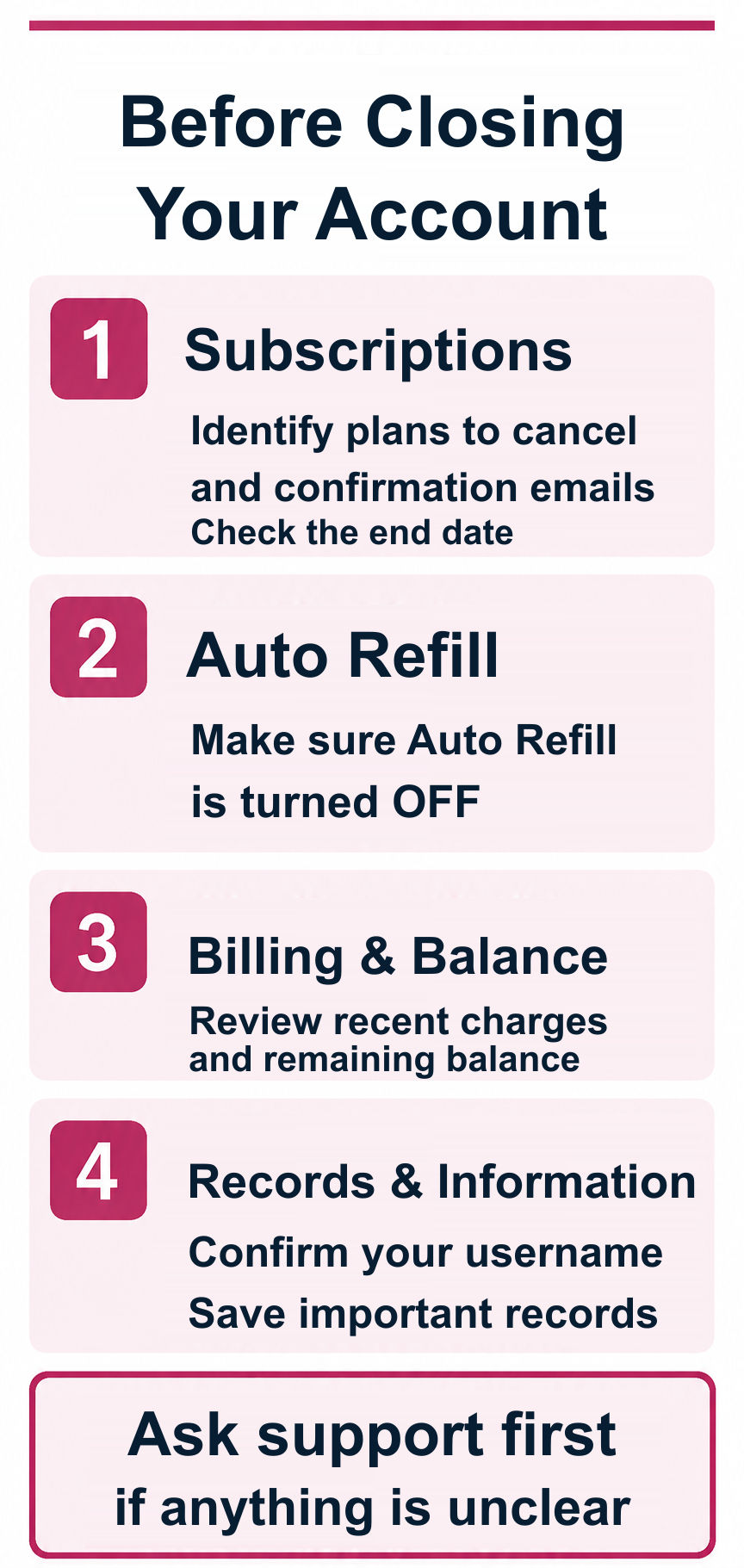
Review any ongoing paid agreements, recent transactions, remaining token balance, relevant receipts and the effect of losing account access.
Fan Club subscriptions
If you have an existing Fan Club membership, check its current cancellation and renewal terms. Confirm the cancellation status separately.
Supporter membership
Treat Supporter membership as a separate potential recurring arrangement. Check the account and provider's current cancellation instructions.
Auto Refill
Auto Refill can trigger automatic token purchases under its own conditions. Review and disable the setting if you do not want further purchases, and verify the result.
How to deactivate
Consult the current official Support instructions titled “How do I deactivate my account?” and follow the account-specific prompts. Do not assume the path is identical to a permanent data-deletion request.
How to request permanent deletion
Consult the “Information Deletion” section of the current Privacy & Cookies Policy and its linked tool. Read what information is covered and any retention exceptions.
Remaining balance
Check the current terms before permanently deleting an account with unused tokens. Do not assume unused value will be refunded.
If you cannot complete the process
Contact official Support using the correct account or billing route. Avoid sharing your password or complete payment-card details in ordinary messages.
After deletion or deactivation
Save confirmation and check any outstanding agreements and card statements. A disabled login is not proof that every charge has stopped.
If a charge appears later
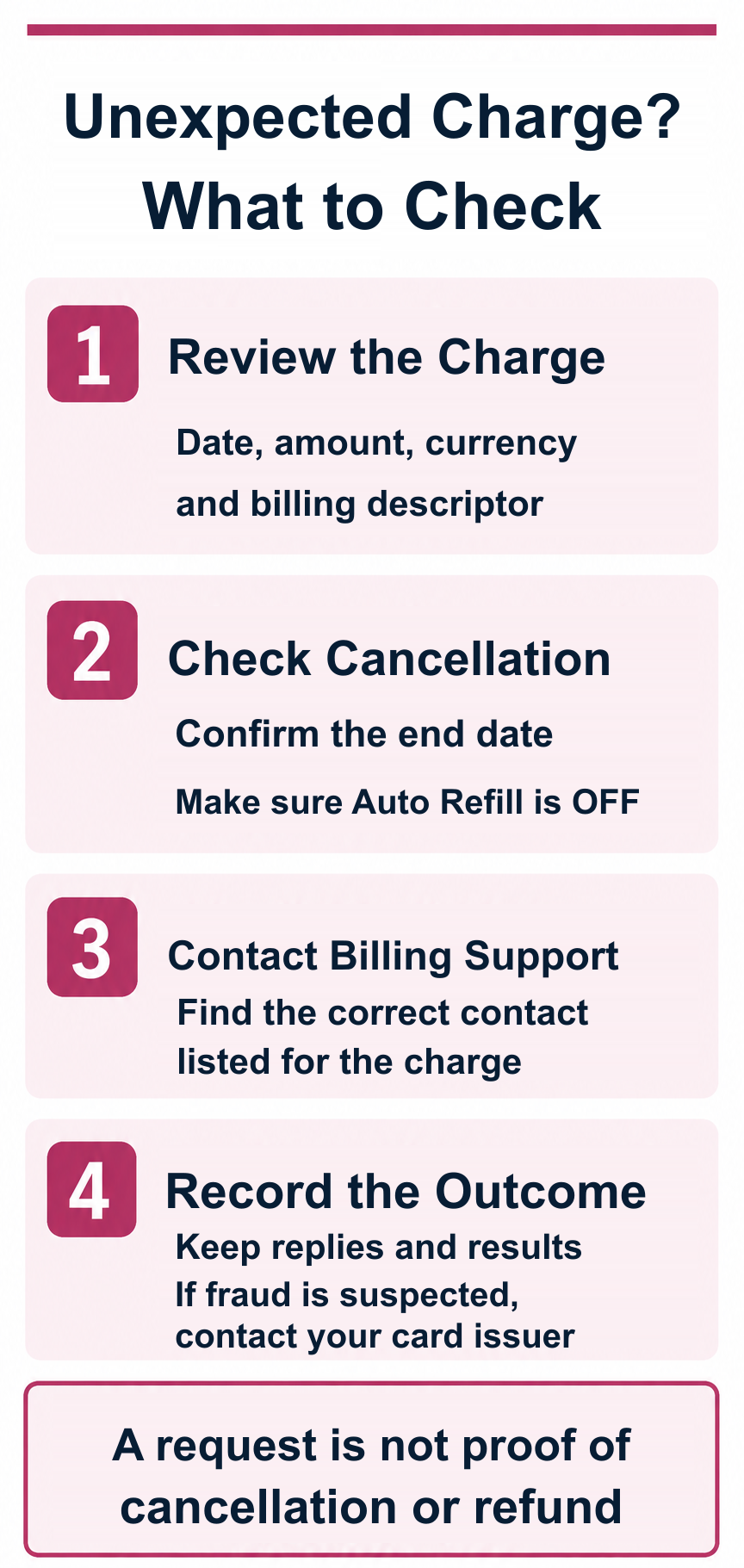
Compare dates, transaction identifiers, payment providers and cancellation records. Report suspected unauthorized card use promptly to your issuer.
FAQ
How do I remove an account? Check the official deactivation and permanent-deletion instructions separately.
Is deletion the same as cancelling paid agreements? No.
Where do I check recurring agreements? Review the relevant account and billing settings.
Should I check Auto Refill? Yes.
What if charges continue? Compare records and contact the correct official billing route or issuer.
Can I guarantee data erasure or account restoration? No; check the current policy.
Summary
Identify whether you want account deactivation, permanent information deletion or cancellation of paid agreements, and verify each separately.