Chaturbate Phishing and Account Security: Fake Login Pages and 2-Step Verification
Phishing vs account takeover
Phishing uses deceptive messages or websites to obtain credentials. Account takeover occurs when another person gains unauthorized control of an account. The appropriate response depends on whether you merely received a suspicious message, entered information, or noticed unauthorized changes.
Beware of fake login links
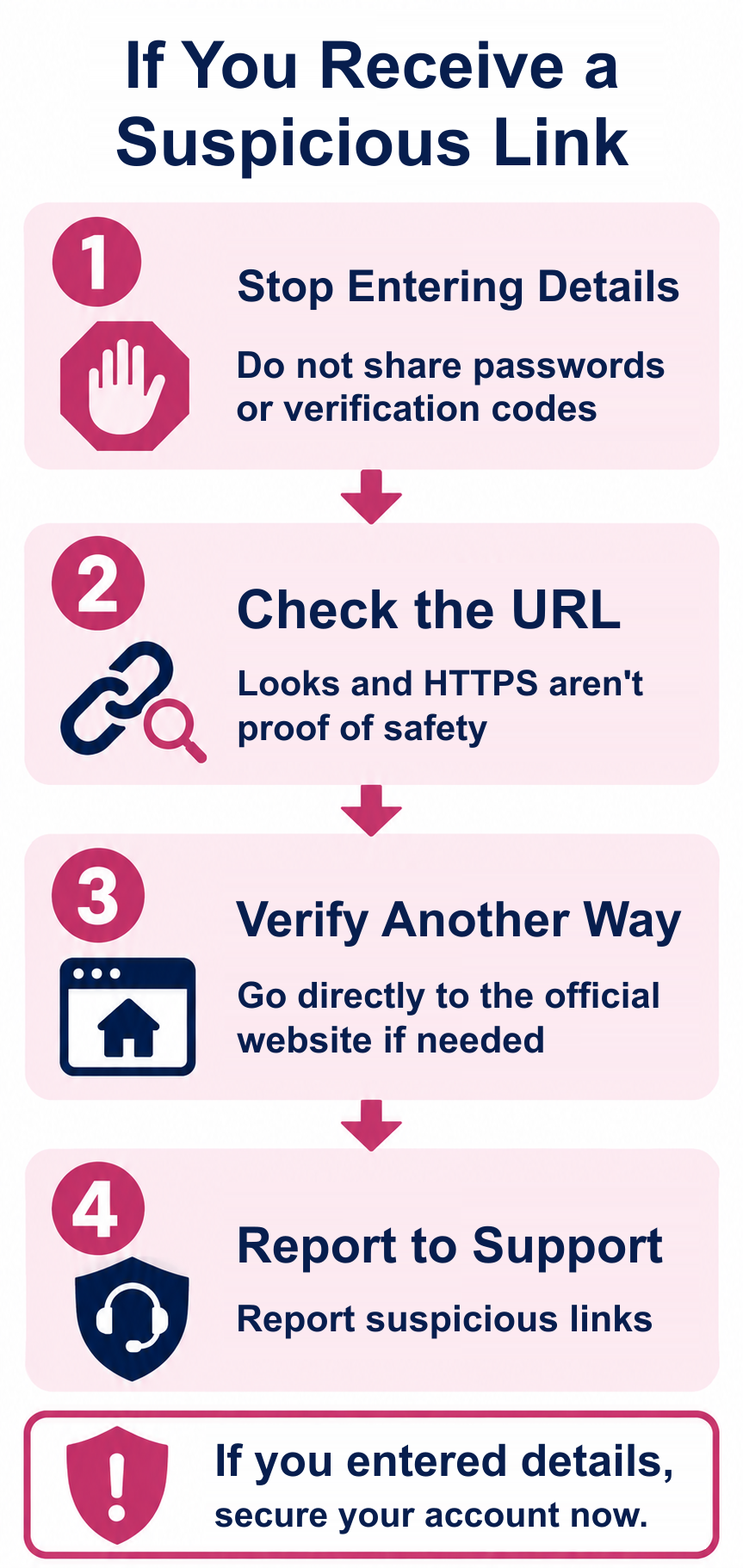
Messages from email, social media and other external sites can point to imitation login pages. Open the service through a known official address rather than trusting a message link.
Appearance and HTTPS are not enough
A fake page may look convincing and use HTTPS. Check the actual domain and context before entering credentials.
Use unique passwords
Do not reuse a password from another site or disclose it to other users. Consider a password manager.
What does 2-Step Verification do?
It adds a verification step beyond a password. It reduces certain risks but cannot guarantee complete protection.
Find the official security controls
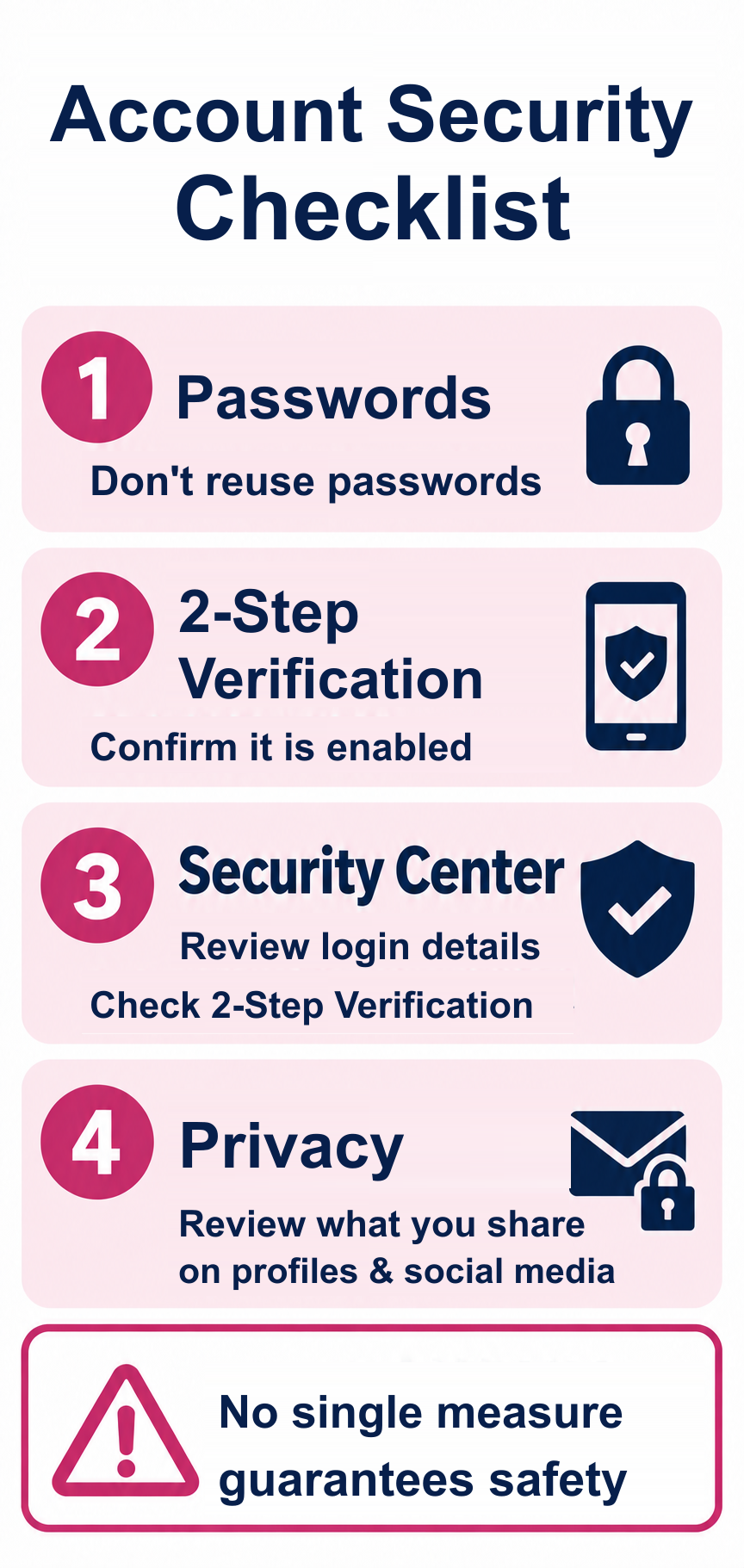
For account-security settings, consult Chaturbate's Security Center and official 2-Step Verification instructions. Use the current official help pages because the interface can change; this guide has not accessed your personal account.
Protect personal information
Avoid revealing real names, social-media handles, location, email address or other identifying information in public profile fields and messages.
If unauthorized access is suspected
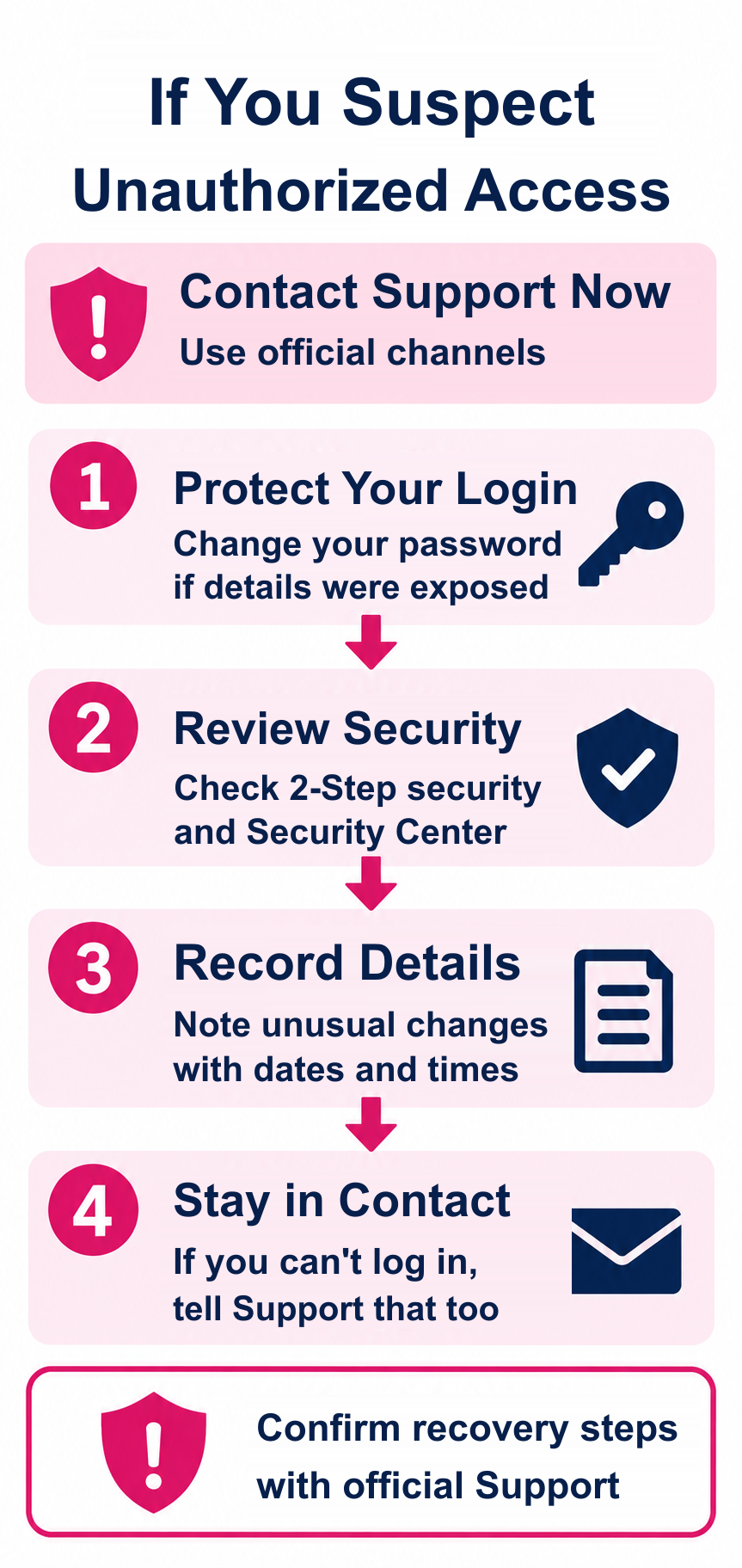
Open the official site directly, review security settings and any unexpected changes, change compromised passwords, and contact official support. Review connected email security too.
If an unfamiliar charge also appears
Check transaction records and billing descriptors, and contact your card issuer promptly if fraud is suspected. Do not wait for every account investigation to finish.
Checklist
- Open only the official domain.
- Avoid message-based login links.
- Use a unique password.
- Enable 2-Step Verification.
- Review Security Center.
- Limit public personal information.
- Keep a record of suspicious changes.
- Contact official support or the card issuer when appropriate.
FAQ
Is every email link safe? No.
Can HTTPS alone prove a login page is genuine? No.
Does 2-Step Verification make an account completely safe? No.
Is password reuse acceptable? It increases risk.
What is Security Center? The official security area discussed in the source.
What should I do about suspicious account changes? Use the official site, secure credentials and contact support.
Where should I report unexplained charges? Official billing support and the card issuer as appropriate.
Summary
Account security requires several layers: careful login habits, unique credentials, 2-Step Verification and restraint with publicly shared information.